01
Place the PNG
Drop a cutout, screenshot, or photograph. Mixed queues are fine as long as the browser can read the pixels.
Studio converter
A PNG to JPG converter for photographers, retouchers, and publishing desks. Flatten transparency, tune JPEG quality, resize for delivery, and export a single file or a full batch. Inspect every result before you publish.
Format
PNG → JPG / JPEG
Queue
Batch conversion
Matte
Transparent PNG fill
Review
Before / after slider
01
Drop a cutout, screenshot, or photograph. Mixed queues are fine as long as the browser can read the pixels.
02
Choose quality or a size budget, paint a matte behind transparency, and crop the geometry for the destination.
03
Use the comparison slider. If the JPG holds up, download one file or a ZIP. If not, revise the settings.
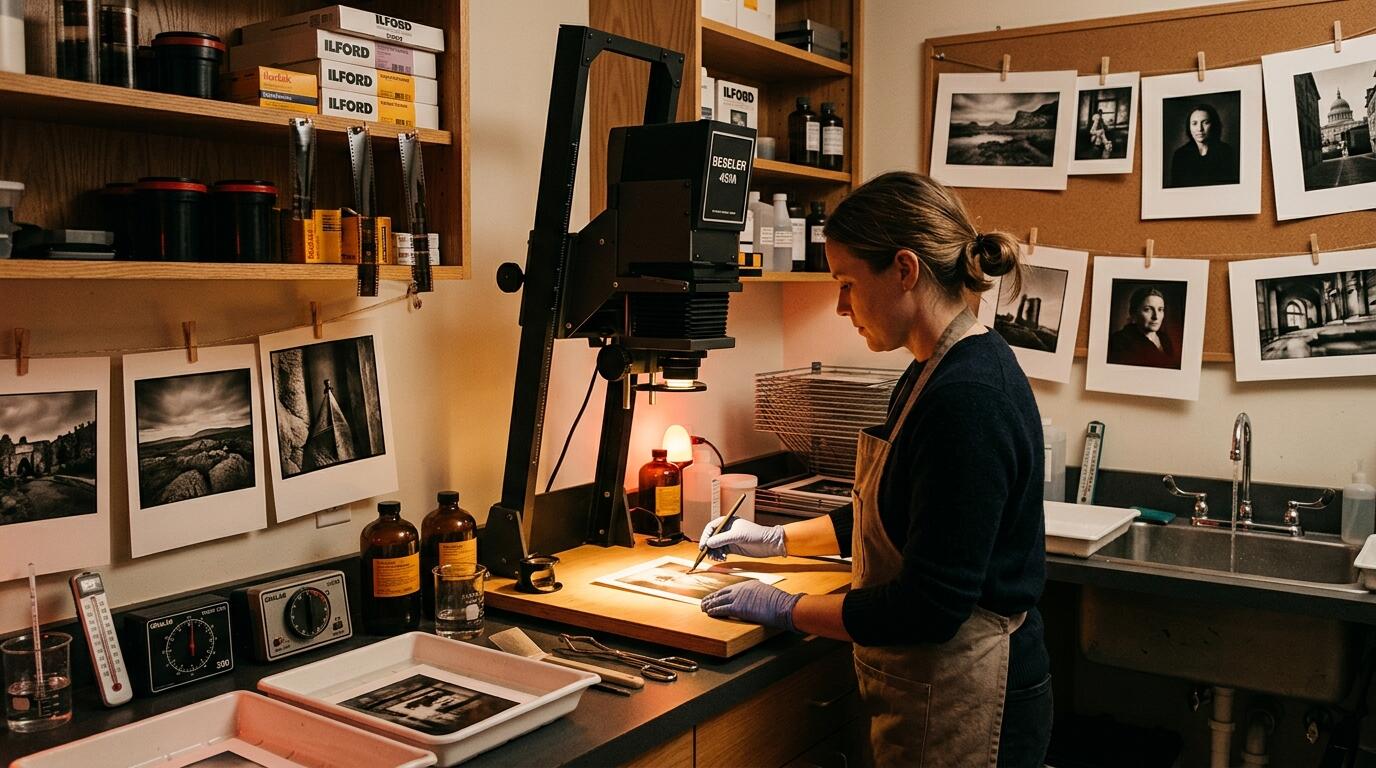
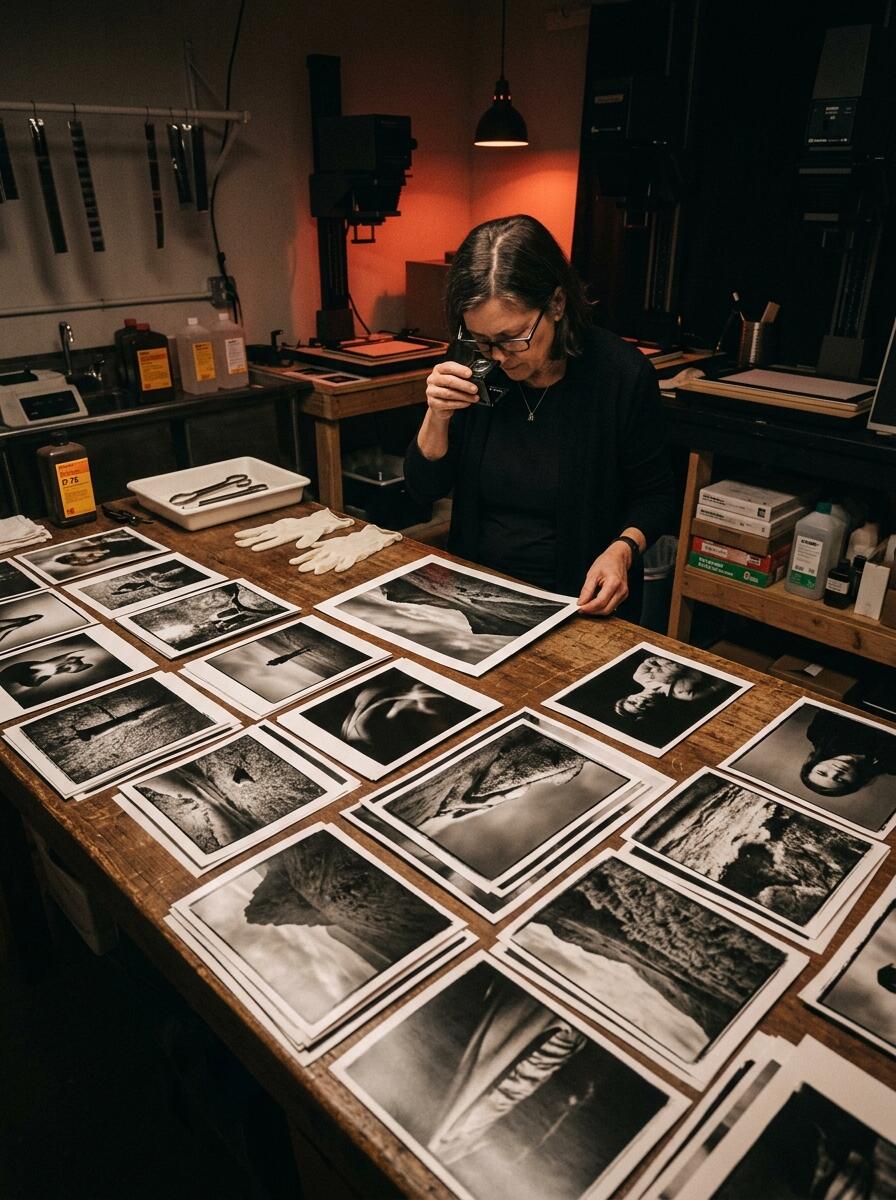
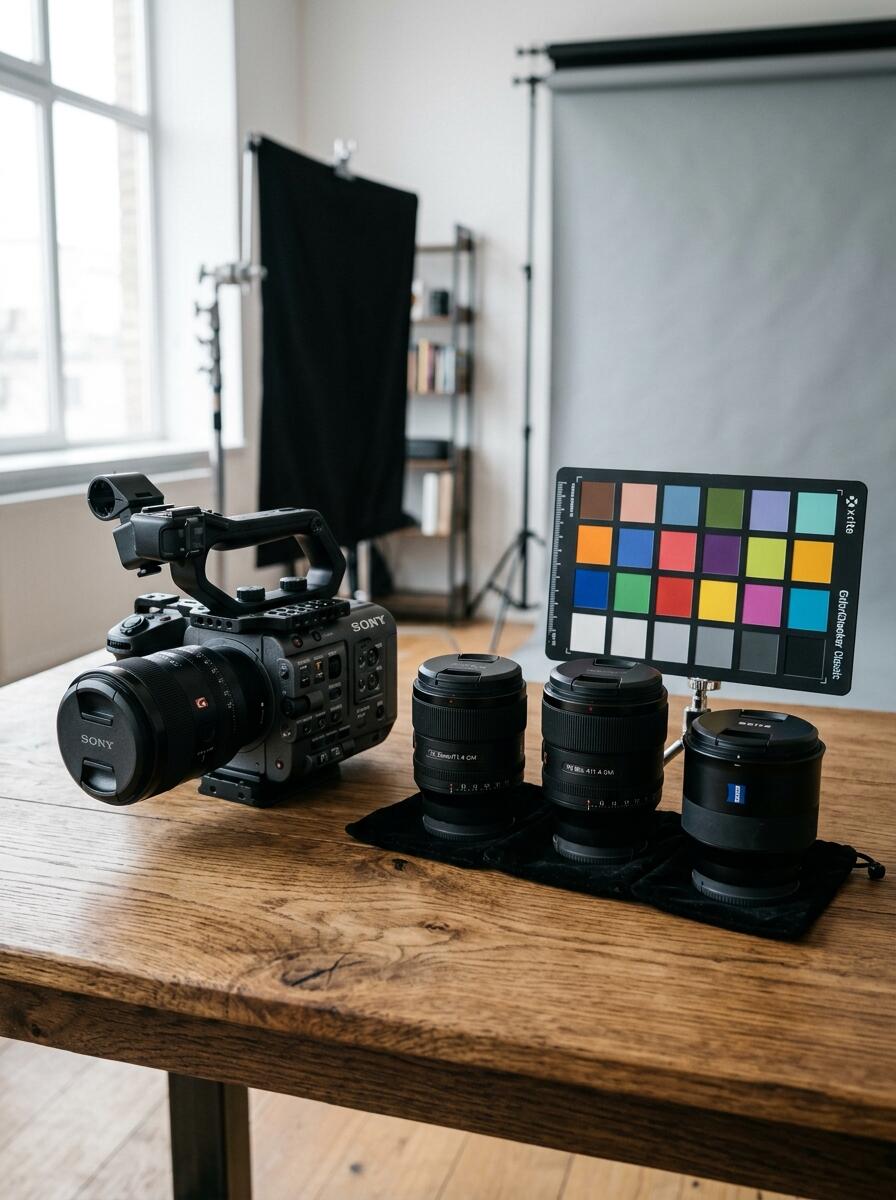
Studio references. The converter itself is a software utility, not a lab service.
About this tool
PNG to JPG helps you convert PNG images to JPEG when a destination requires the JPG format: content management systems, email, social crops, printer RIP software, or a client who asked for a flattened file. The workspace covers the jobs that usually force a trip through a heavy editor — batch PNG to JPG conversion, transparent PNG to JPG compositing, quality-aware encoding, long-edge presets, and a side-by-side proof.
JPEG remains one of the most widely read image formats on the public web and in office documents. Changing PNG to JPG reduces channel data and applies lossy compression. That can shrink photographs substantially. It can also soften type, posterize gradients, or leave a matte fringe around a cutout. This converter exposes those decisions instead of hiding them.
Encoding uses the drawing surface available in your browser. Settings such as quality, target size, brightness, and saturation are interpreted by that engine. Two computers can produce slightly different bytes from the same PNG. Embedded color profiles, EXIF orientation, animation frames, and 16-bit PNG data may be simplified or discarded. Treat the download as a new derivative file, not an archival master.
Legal notice
This PNG to JPG converter is provided strictly “as is” and “as available,” without warranties of any kind, express or implied, including merchantability, fitness for a particular purpose, title, and non-infringement. Conversion results are not 100% guaranteed. The operators do not warrant that any JPG will be visually identical to the source, accepted by a third-party platform, suitable for medical, legal, forensic, or press work, or clear of artifacts, clipping, or metadata loss.
You use the tool entirely at your own risk. You are solely responsible for inspecting every output, keeping original PNG masters, and confirming that you hold the copyright, license, model, and trademark rights needed to process each image. The operators accept no liability for data loss, corrupted downloads, missed deadlines, rejected uploads, privacy exposure on your device, or any direct, indirect, incidental, special, or consequential damages arising from use or inability to use this converter.
Nothing on this page is legal, professional, or technical advice. If an image is critical to a contract, publication, or regulated workflow, have a qualified specialist verify the file on the target device before you deliver it.
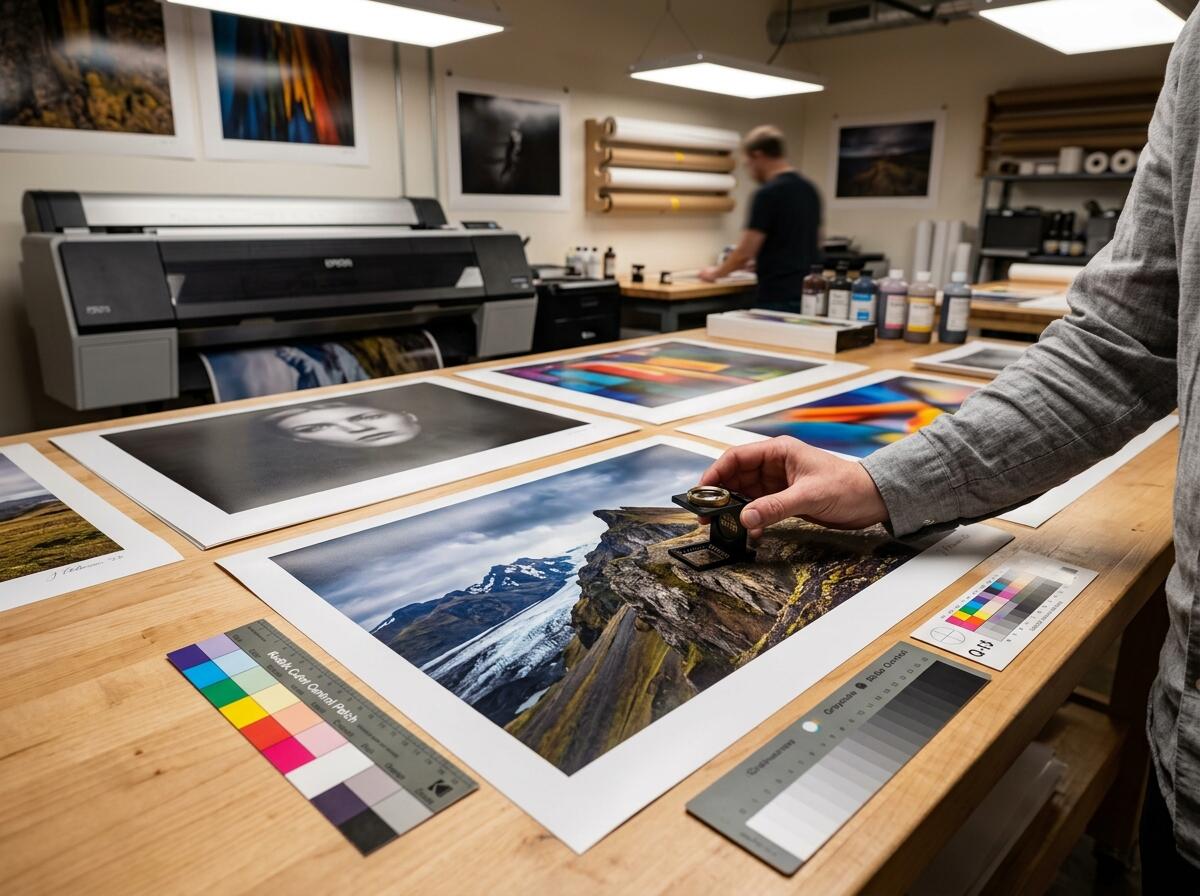
Quality Inspection
Always review your converted images before final use.
Inspect your image at full size to verify clarity, color accuracy, and clean background edges. We recommend keeping your original files and confirming the final photo before printing or publishing online.
Add one or more PNG images using the drop zone, the file picker, or by pasting from the clipboard. Review the live preview, then set JPEG quality, a matte color for transparent pixels, optional resize, rotation, and tone controls. Choose Convert to encode a JPEG file you can download. Always open the finished JPG on your own device and confirm that color, crop, and sharpness meet your publication standard before you share or print the file. Results can differ between browsers, so verification is your responsibility.